
Practical learning
Learn something
you can use.
Practical guides, small exercises and Oxygen references for the next thing you need to build.
FREE WORDPRESS COURSE · BLOCK EDITOR
Your first WordPress website. Built by you.
Go from a blank practice installation to a three-page website with core blocks. Eight modules, sixteen short lessons, guided builds, Break / Fix tasks and quizzes.
Free to read. Save course progress to your profile. No paid plugin or certificate required.
Start WordPress Foundations →Free HTML & CSS course · Modules 1–3 pilot
Responsive Web Foundations
Build your first web pages, repair broken code and see your changes in a live browser preview. Start without an account, or sign in to save your code and practice progress.
9 short lessons, guided exercises, Break / Fix challenges and a profile project. The pilot is free and does not yet issue a certificate.
Start the free course →Interactive exercise · About 3 minutes
Break it. Understand it. Fix it.
A longer heading. A broken layout. Try three CSS fixes in a live preview and discover how to keep every word readable.
Try the Break / Fix Lab →Start with a practical task
What do you want to improve?
Choose a guide. Put it to work on your next page.
One project, from plan to launch
Build and launch an
Oxygen service website.
Create a small service website with a shared layout, useful content and a clear launch checklist.
Start the project →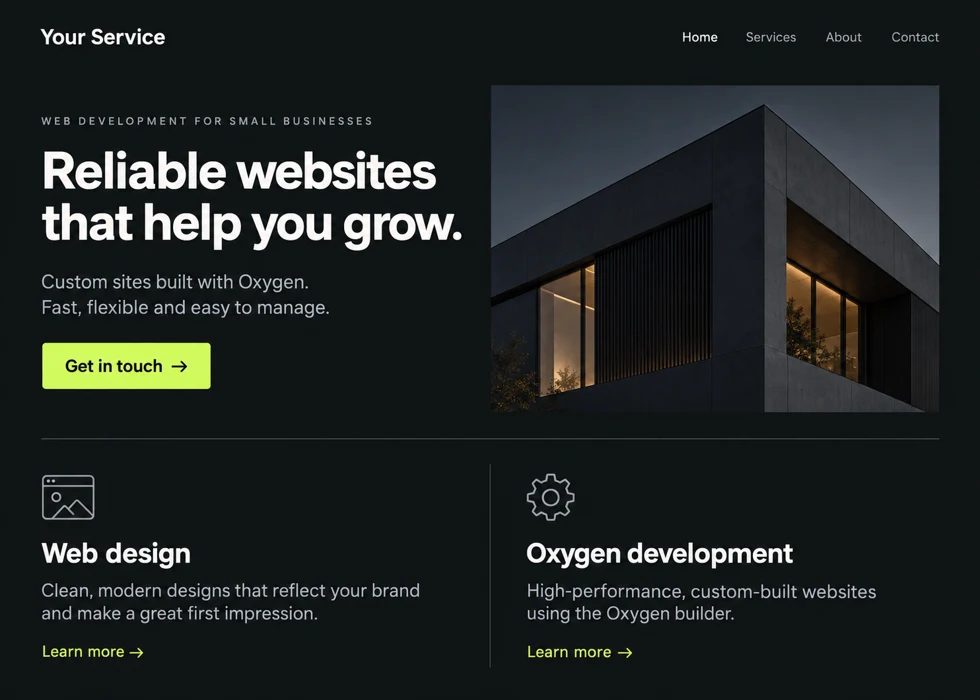
Explore the project steps →
Find your way around
Explore a topic.
Follow a tutorial, or look up the element you need.
- Tutorials
- Build something step by step.
- Element reference
- Look up setup, settings and common fixes.
Breakdance Extensions →
Explore Breakdance element recipes for Oxygen, extension setup, dependencies and practical examples. Check version requirements before choosing an element.
146 published resourcesCSS & Web Design →
Practical guides and tips for fluid typography, spacing, color contrast and choosing useful web tools. Apply the examples to your next layout.
4 published resourcesOxygen 6 →
Learn native Oxygen 6 elements, build reusable layouts and components, and work with dynamic content. Find task-based tutorials and individual element references.
27 published resourcesWordPress →
Practical WordPress setup, launch and maintenance workflows. Learn through useful tasks, real settings and repeatable checklists.
1 published resourcesLearn by doing
Try it on a real page.
Small exercises. A useful result you can check.
Exercise 01
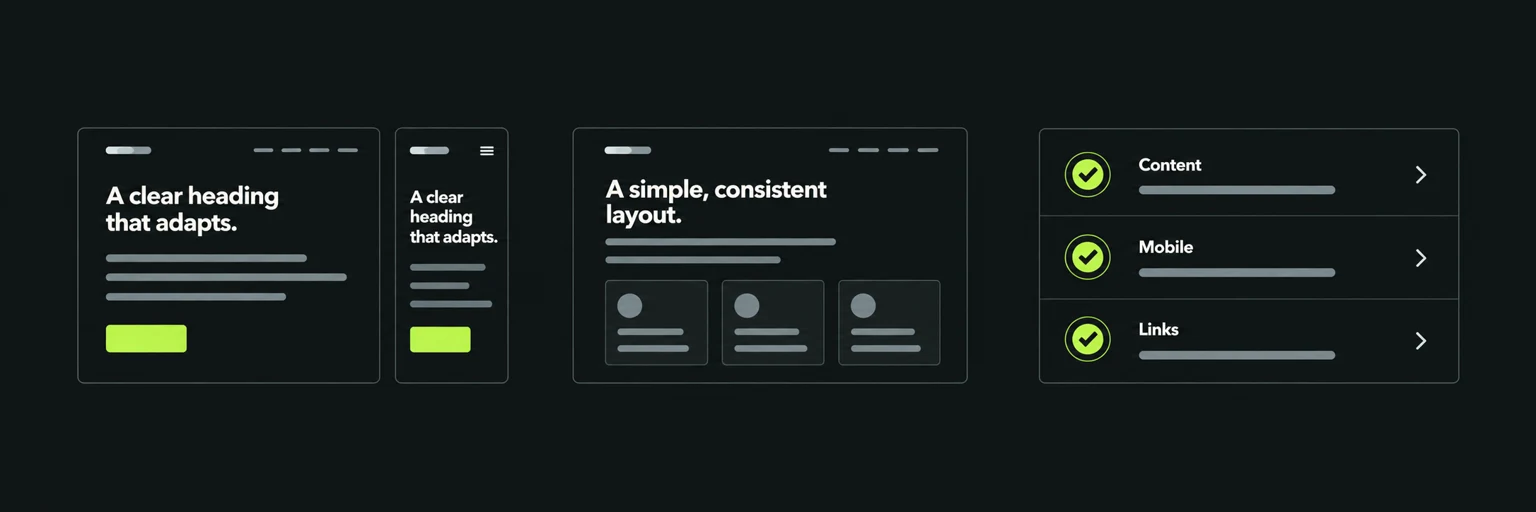
Build a responsive
Oxygen page
A page that works with longer text and narrow screens.
Try the exercise
Build a project introduction with a title, two paragraphs and a screenshot. Arrange it side by side on desktop and stack it at a phone breakpoint using Oxygen controls.
Check your result: Use a long title and check the frontend at 375px. The image should fit without cropping its labels.
Static HTML testing is optional; the browser tester needs inline CSS and does not import Oxygen pages automatically.
Exercise 02
Build more robust
layouts
A layout with consistent spacing and readable type.
Try the exercise
Take one card from your own design. Add a longer title, a longer button label and a detailed description. Remove its image and compare the result.
Check your result: Test at narrow and wide viewports. Look for horizontal overflow, overlap, unreadable text and controls that become difficult to use.
Use the builder interface for Oxygen layout settings. The general tools also work for sites built with other platforms.
Exercise 03
Launch a WordPress
website
A repeatable set of checks for your next launch.
Try the exercise
On a test site, review which starter pages you actually need. Use the Launch Setup plugin’s preview before applying settings, then work through a checklist.
Check your result: Check navigation, mobile layout, forms, indexing settings and redirects on the frontend. Do not overwrite existing pages to match a template.
The browser checklist saves locally. Export your project if you need a portable copy.
Useful on your next project
References worth keeping.
Clear setup instructions for the elements you use again.
Oxygen Container
Choose a structure, control alignment and make layouts responsive.
Oxygen Image
Add images with useful alt text and sensible sizing.
Template Content Area
Keep a shared template while each page supplies its own content.