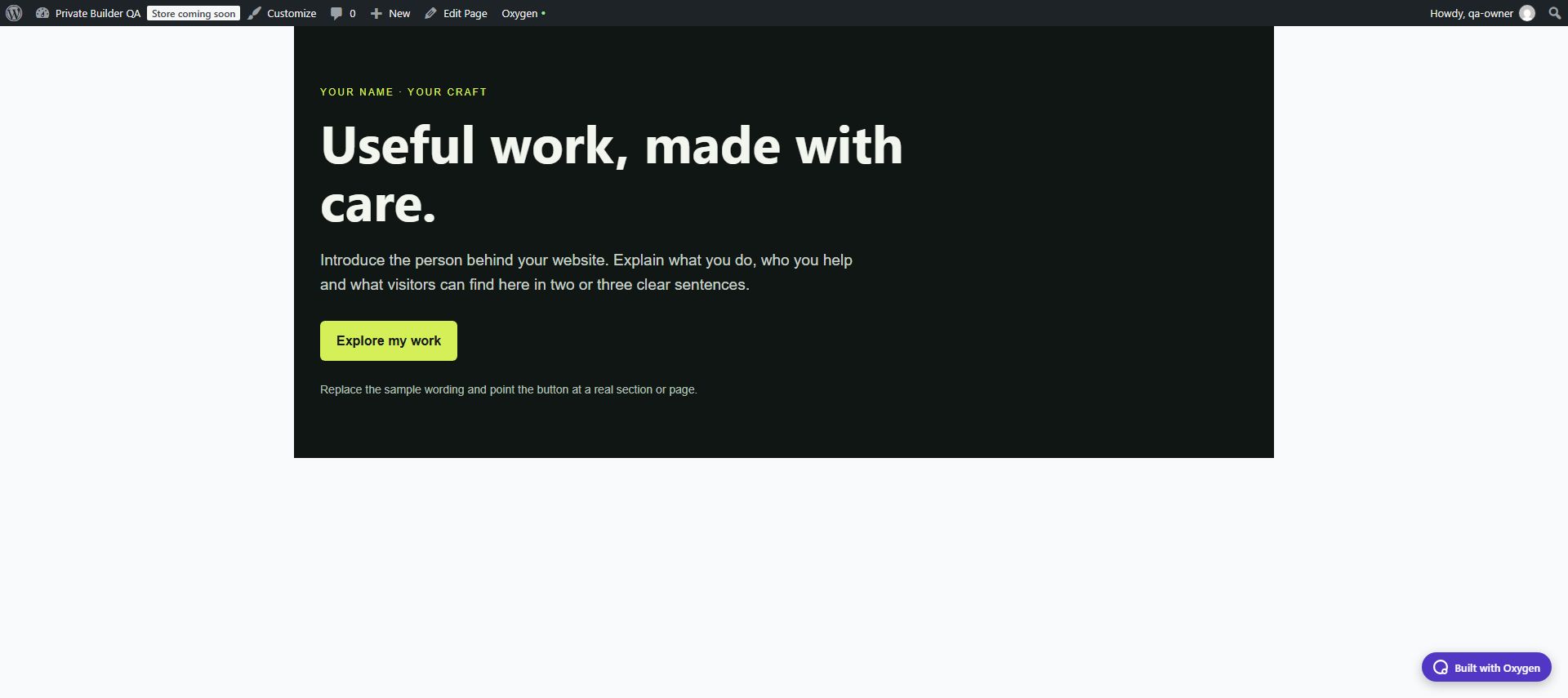
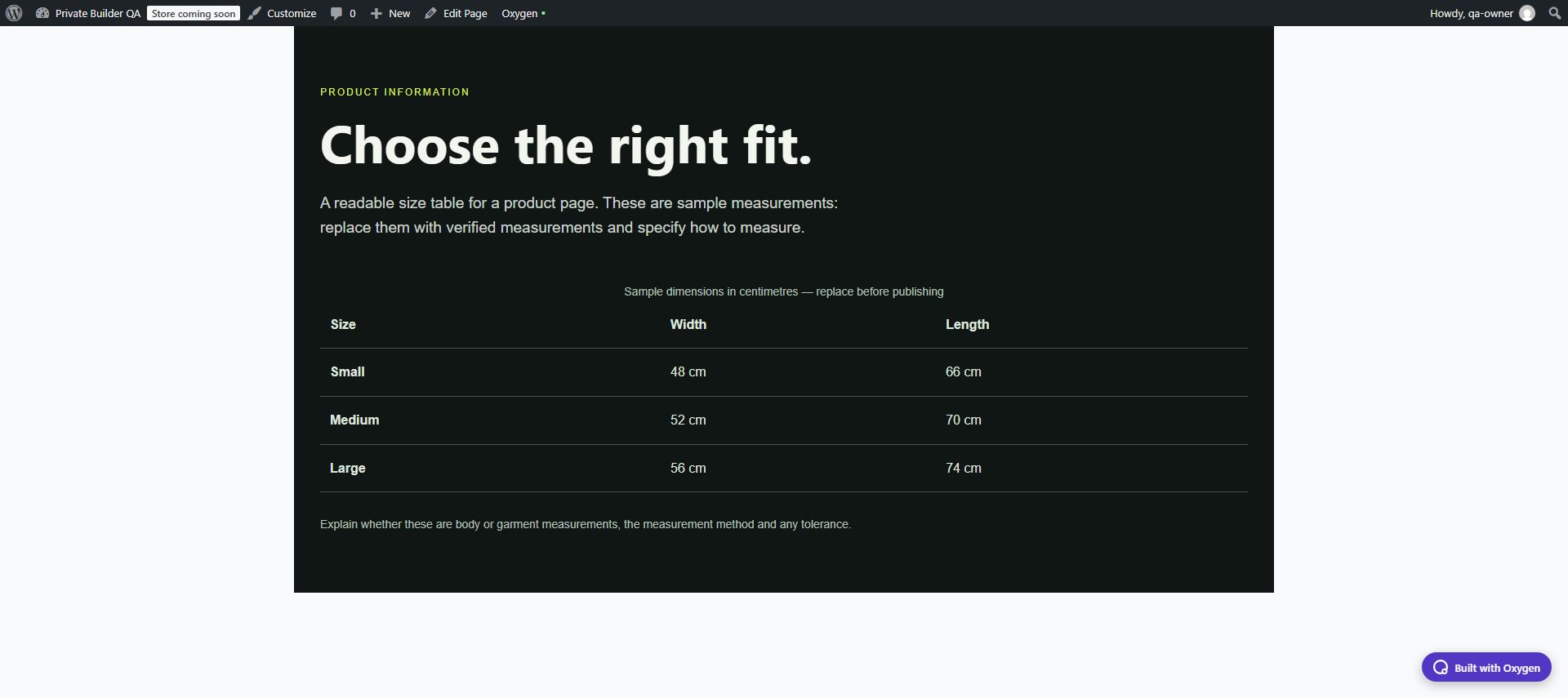
Build a service website with four matching page layouts, a shared header and footer, or start with a reusable section. These free Oxygen 6 design sets import as native elements you can edit in the builder.
Get matching Home, Services, About and Contact page layouts, plus separate header and footer designs. Import the layouts you need and replace the fictional studio content with your own.
Four connected pages
Home, Services, About and Contact for a fictional service studio.
Shared header and footer
Native layouts you can place in Oxygen’s header and footer templates.
Three starter sections
Personal introduction, working process and FAQ sections are also included.
Open the library page and copy its Design Set URL. In WordPress, go to Oxygen → Settings → Design Library → Custom Design Sets, add the URL and save.
02
Insert a page or section
Open an empty page in Oxygen. In the Add panel, open the Design Library and choose the design set. Import its Selectors, then use Import Page for a page layout or Add to page for a section.
03
Make it yours
Import header and footer designs into their own Oxygen templates. Replace sample text and links, then save and check your pages at desktop and phone widths. The library page has the complete walkthrough.
Start on an empty test website or a backed-up staging copy. In the tested Oxygen versions, importing Selectors replaces the destination selector set and can change existing designs. These libraries do not need Variables, Global Settings or Design Presets.
Check compatibility, import steps and what each free library includes.
Are these Oxygen 6 templates free?
Yes. Both Design Set URLs are free to use from the library pages. The General kit includes Home, Services, About and Contact layouts, separate header and footer designs, and three starter sections. Oxygen itself is a separate product.
Do these templates work with Oxygen 6 or Oxygen Classic?
These design sets are for the new Oxygen 6 builder and its built-in Design Library. They do not work with Oxygen Classic. You need your own working Oxygen installation; no extra library installer plugin is required.
Do I get a complete website or individual sections?
The General library includes four page layouts, separate header and footer designs, and three starter sections. Import each layout separately; this is not a full-site installer. The WooCommerce library includes three information sections. Neither library configures WordPress, forms, payments or checkout for you.
What happens to my existing styles?
In the tested Oxygen versions, Import Settings → Selectors replaces the destination selector set. Back up your existing selectors and use an empty test website or staging copy first. Read Oxygen’s overwrite notice before confirming. Importing a page layout is separate from importing these shared styles.
What do the WooCommerce sections include?
You get buying information, a size guide and purchase FAQ layouts. They are editable content sections, rather than product, cart or checkout templates. Replace every sample policy and measurement with verified information from your store.
Why is my Oxygen Design Library empty?
Save the Design Set URL under Custom Design Sets, then open the Design Library inside the Oxygen builder and choose this library. These sets offer individual designs, so they do not appear as complete-site import cards in the separate WordPress Design Library screen. If a connected library still shows an older list, check its cached listing. Follow the General library import walkthrough for the exact steps.
Build your next useful page
Build the shared frame.
A Design Set gives you reusable layouts. A template controls the shared frame around a page. Learn how Template Content Area keeps each page’s content separate.