WordPress plugin · Free · v1.0.0
WordPress Image Optimizer
A free WordPress plugin to preview smaller WebP, AVIF or JPEG copies before saving them to your Media Library.
Preview first, then save a copy
Select images already in your Media Library, choose a maximum width, quality and available output format, then compare the original with the preview. The plugin shows dimensions, file sizes and the percentage difference.
Saving creates a new attachment with the original caption, description and alternative text. Existing images and page references remain intact.
Install and optimize an image
- Download the ZIP. Open Plugins → Add New → Upload Plugin in WordPress, upload it and activate.
- Go to Media → Image Optimizer. Choose up to 20 existing images.
- Set a useful maximum width and quality. Choose WebP, AVIF or JPEG from the formats your server supports.
- Generate previews and inspect quality. Check text, fine detail and transparency before saving.
- Save individual copies or all previewed copies. Open the new attachment to review its information.
- In WordPress or Oxygen, select the new image through the image control and verify the published page.
Example: a large project screenshot
A 4,000-pixel screenshot is displayed in a much narrower project card. Preview a copy sized for its display width and high-density screens. Compare small text at the intended size, then save the copy if the result is useful.
For an Oxygen image, open the page in the builder, select the Image element and choose the new attachment in the media selector. Check cropping and responsive sizing in the interface.
Formats, limits and requirements
Version 1.0.0 requires WordPress 6.0+ and PHP 8.0+. Input formats are JPEG, PNG, WebP and AVIF; GIF and SVG are excluded. Each image may be up to 20 MB and 25 megapixels. Width is 320–4,096 pixels and quality is 10–95. Images are never enlarged.
Available output formats depend on the server's image editor. JPEG does not preserve transparency; use WebP or AVIF for transparent assets. Previews expire after one hour and temporary files are cleaned on the hourly WordPress scheduled task.
Processing happens on your WordPress server. No third-party image service, API key or subscription is required. Users need upload permission and permission to edit the chosen attachments.
An optimized copy can occasionally be larger. Compare the actual result; smaller files alone do not guarantee faster pages or higher rankings. This plugin does not add a CDN, change image loading or replace images automatically.
Include image checks in your website launch checklistA measured example you can try
This generated demonstration image contains a color gradient, a frame and text. In our server test, resizing the 2,400 × 1,600 PNG to a 1,200 × 800 WebP copy reduced the file from 127,024 to 30,312 bytes (76.1%). The original file remained unchanged. Your results will depend on the image and settings.
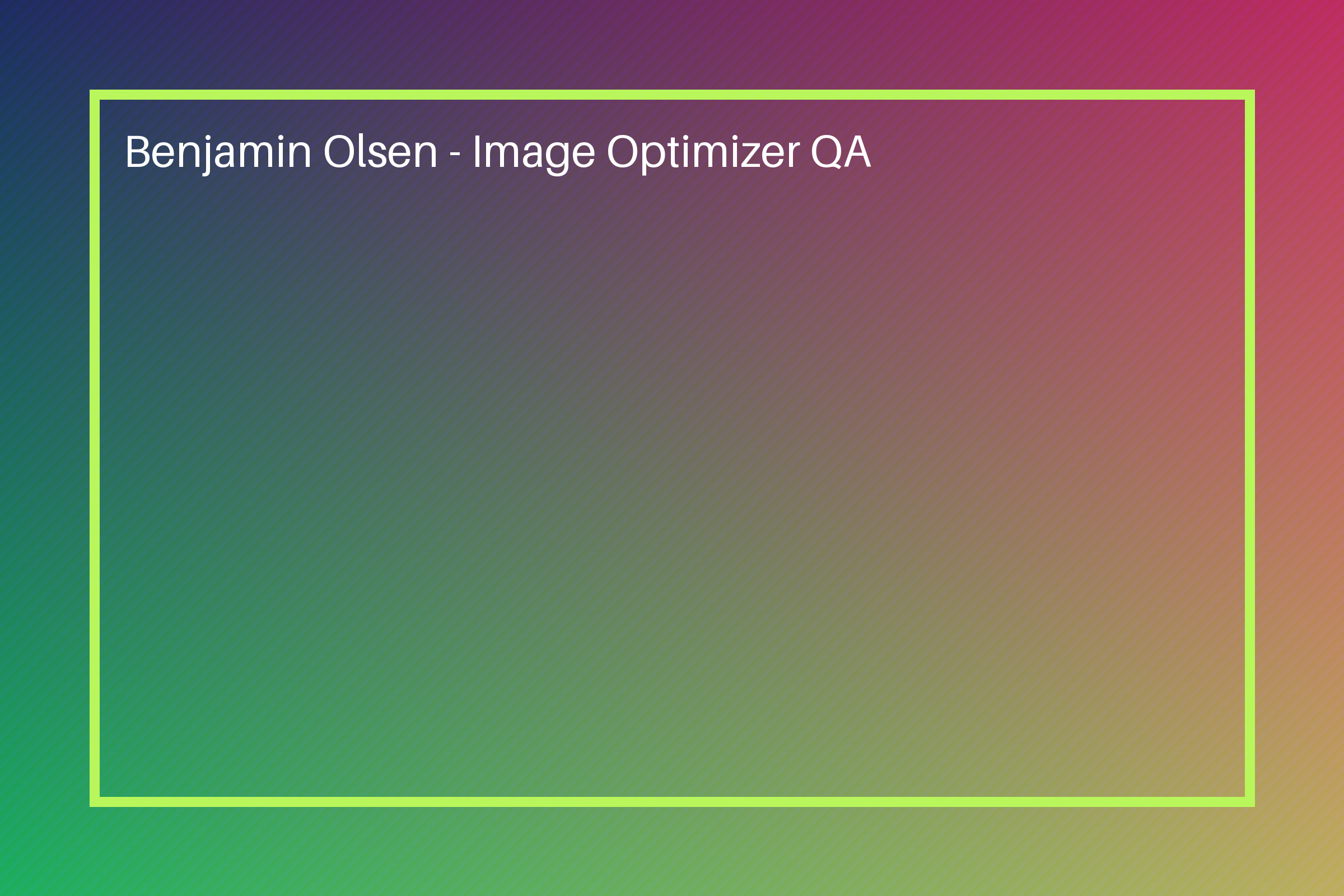
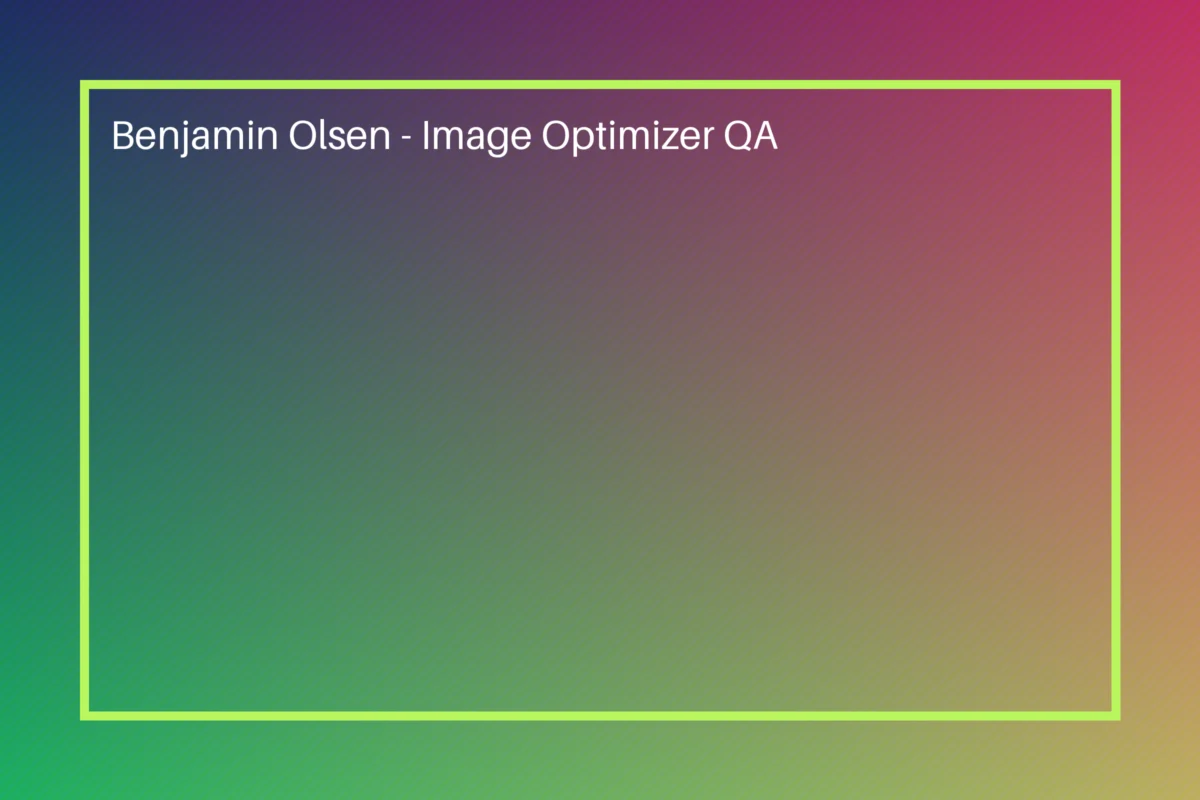
Inspect the full-size files rather than comparing only the small previews. The dimensions differ because this example includes resizing.
Download the original PNG to test the plugin on your WordPress site